AI-Powered Excel with Microsoft Copilot - Virtual Learning

AI-Powered Excel with Microsoft Copilot - Virtual Learning

Why Attend

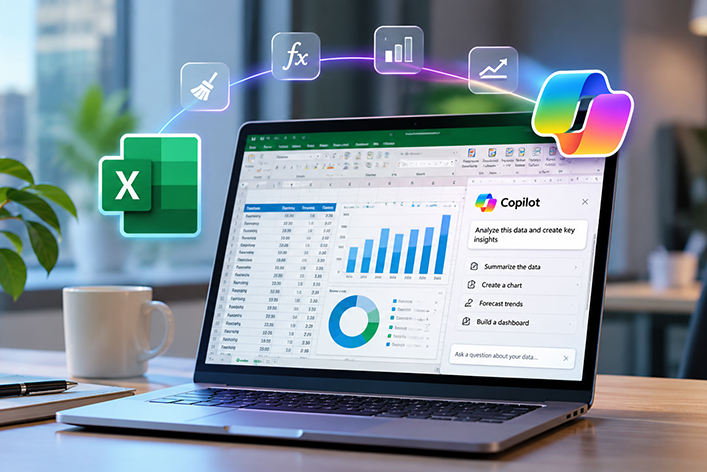
Attending this course will empower participants to transform the way they work in Excel by leveraging the latest AI-driven tools, including Copilot, automated insights, and intelligent workflows. Instead of spending hours on manual tasks, participants will learn how to clean data, build formulas, and create reports in minutes using natural language commands. The course also equips them with the skills to produce professional dashboards, generate forecasts, and automate repetitive processes with ease. By the end, participants will be able to work smarter, faster, and with greater confidence in their analytical and reporting capabilities.

Quick Enquiry Call Me Back
Overview
Course Methodology

Participants will be applying all learned topics on MS Excel and its AI feature; Copilot. Groups and individuals will be required to complete exercises, case studies, and projects on a daily basis.

Course Objectives

By the end of the course, participants will be able to:

  • Identify the various AI tools made available by Microsoft applications
  • Use AI and Copilot tools in Excel to clean data and build properly-structured data sets
  • Apply Copilot in Excel to write, edit and choose the proper Excel formulas as needed
  • Create AI-assisted analyses and forecasts, and provide insights that support business decision-making
  • Automate repetitive Excel tasks using AI-generated scripts to build visual dashboards with intelligent recommendations
Target Audience

This course is designed for professionals who use Excel regularly and want to enhance their productivity, analysis, and reporting capabilities through AI and automation. It is ideal for employees across finance, operations, HR, sales, and administration who seek smarter, faster, and more accurate ways to work with data.

Target Competencies
  • Excel Copilot
  • AI driven formulas and reporting
  • AI driven automation
  • Data cleaning
  • Forecasting
  • Building dashboards using AI
Note

This is a hands-on training course using laptops, participants need to use their own laptops equipped with a fully functioning version of MS Excel Office 365 with Copilot license.

Course Outline
  • Introduction to AI in Excel
    • What “AI in Excel” actually means
    • Microsoft 365 Copilot vs. Excel built-in AI vs. Power Platform AI
    • Copilot for Excel: Interface and Essential Skills
      • Accessing Copilot in Excel (Windows, Web)
    • The Copilot panel: prompts, instructions, modifying output
    • Writing effective business prompts
      • Ask Copilot to summarize a large Excel table
      • Generate insights and highlight anomalies
      • Ask Copilot to recommend KPIs from a dataset
  • Data Cleaning and Preparation using Copilot
    • Removing duplicates
    • Splitting columns (emails, names, codes)
    • Standardizing formats (dates, numbers, currencies)
    • Rebuilding messy tables into structured Excel tables
    • Power Query AI Assist: natural-language transformation steps
  • AI for Formulas and Functions
    • Copilot for generating formulas
    • Converting natural language to formulas
    • AI-enhanced functions:
      • TEXTSPLIT, TEXTBEFORE, TEXTAFTER
      • TOROW, TOCOL
      • XLOOKUP, XMATCH
      • Ask Copilot to build complex INDEX/XLOOKUP/IF formulas
    • Validate a set of financial formulas with Copilot
    • Debug formula errors using Copilot suggestions
  • AI-Powered Analysis, Forecasting and Predictive Insights
    • Getting insights from your data
    • PivotTables with AI: Ask Copilot to build pivot tables
    • AI-based clustering and grouping suggestions
    • Explain data behavior
    • Excel’s built-in forecasting tools
      • Forecast Sheet
      • ETS forecasting
    • Copilot for:
      • Predicting trends
      • Explaining risks and variances
      • Recommending KPIs or drivers
      • Comparing AI forecast vs. manual forecast tools
      • Scenario and what-if analysis in Excel
  • AI-Powered Visualization
    • Copilot to generate charts automatically
    • AI suggestions for chart type and formatting
    • Automating dashboards using natural language
    • Creating VBA and Office Scripts using AI
    • Scheduling repetitive tasks
Schedule & Fees
HAVE A QUESTION?